How to remove old account from Microsoft Authenticator
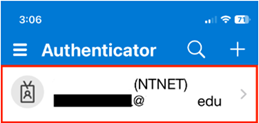
- Open your Microsoft Authenticator. Tap on the account you wish to remove.
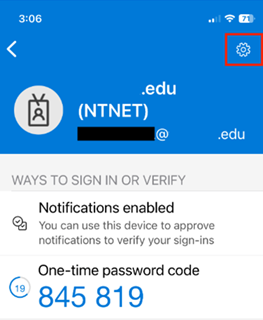
- Tap on the “Gear” icon (top-right).
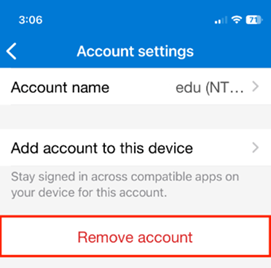
- Tap on “Remove account”, then confirm by tapping “Remove account” again on the next message that pops up.