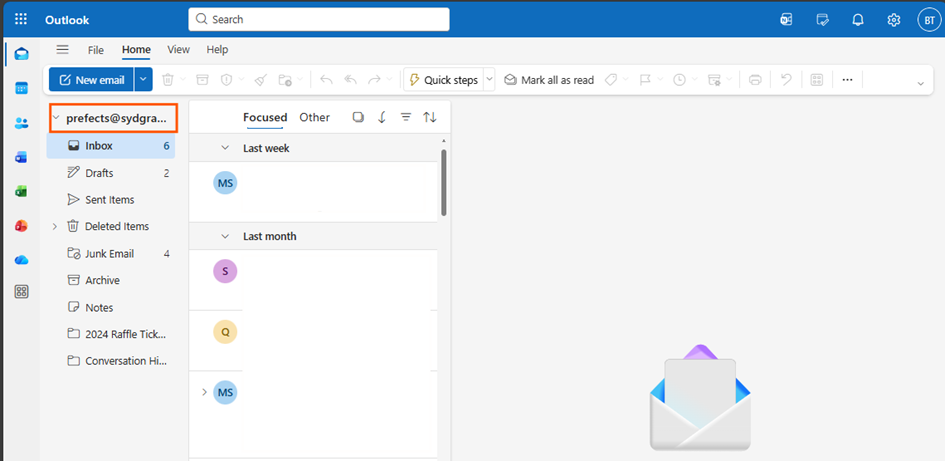
1. Open your web browser and go to office.com.
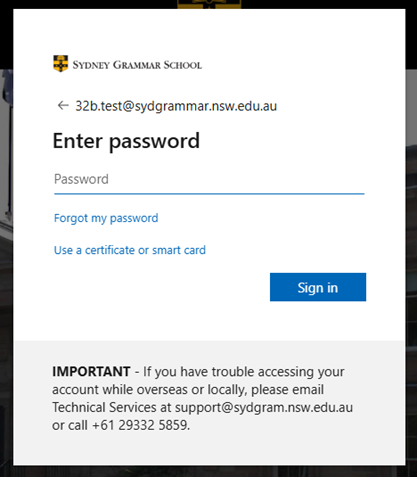
2. Sign in with your school account credentials.
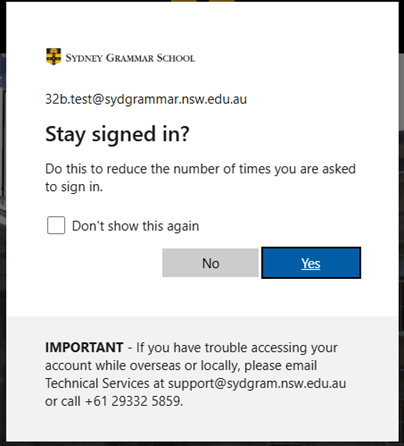
Note: If you're using your own device, you can stay signed in for future access.
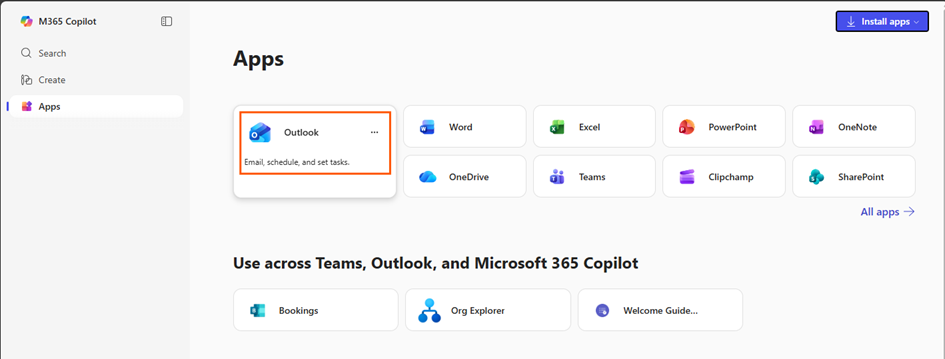
3. Once signed in, click on Outlook from the app list on the Office homepage.
- If you have the Outlook app installed on your device, you can open it as well.
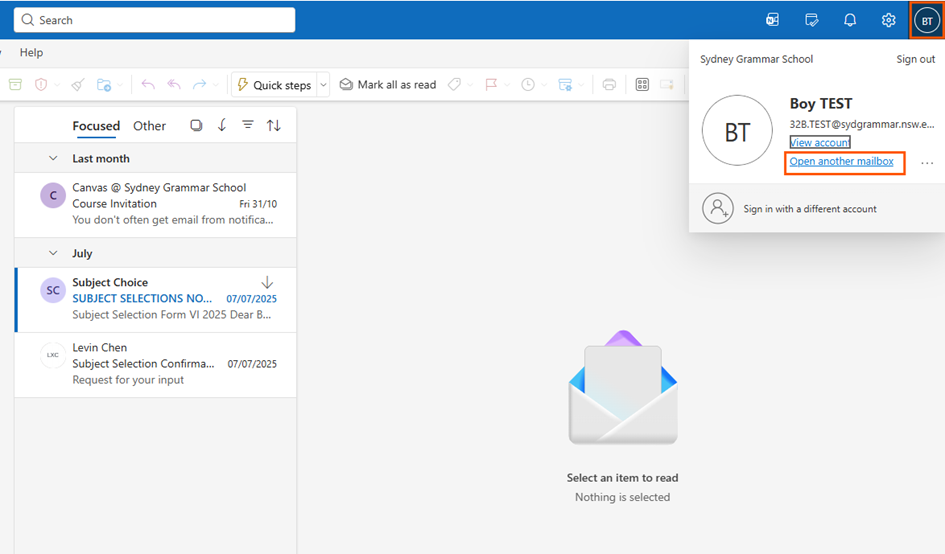
4. To view the Prefects email, click on your account name (top-right corner).
- From the dropdown menu, select Open another mailbox.
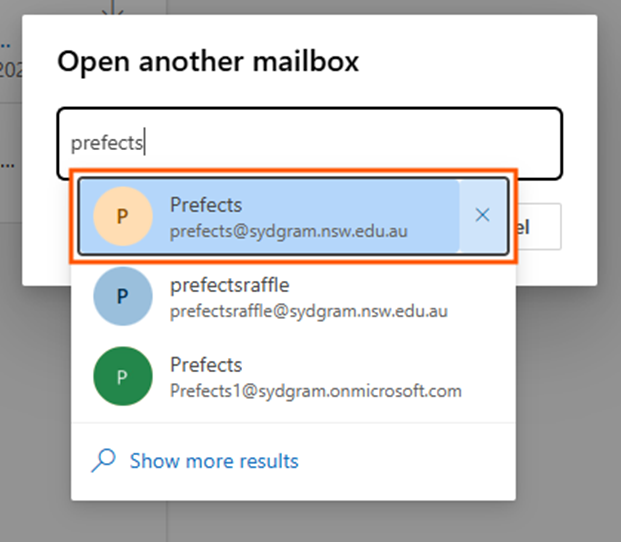
5. In the search box, type "prefects". Select the account with the prefects@sydgram.nsw.edu.au email address.
6. You will now be able to see emails in the Prefects mailbox.
Note: You might need to request access to the Prefects mailbox beforehand. Please double-check this with FMW and SJJ to ensure you have the necessary permissions.