
a) unplug/replug in the video cables from your dock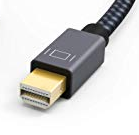 b) unplug/replug the HDMI cable from the wall faceplate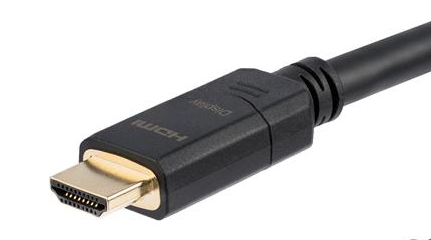
b) Turn the dock on and off again by unplugging/replugging the power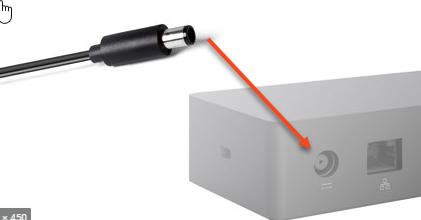
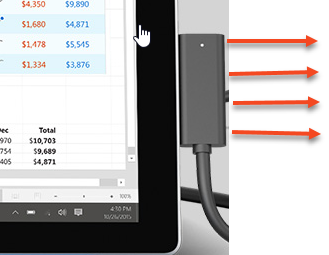
c) remove the dock cable from the Surface and reattach
d) Turn the device off and on again (Surface and Projector)
e) Hold down the WINDOWS KEY and the letter P together to see the options for presenting duplicated or extended displays and try both